Last Updated on October 1, 2026 by Kravelv Spiegel
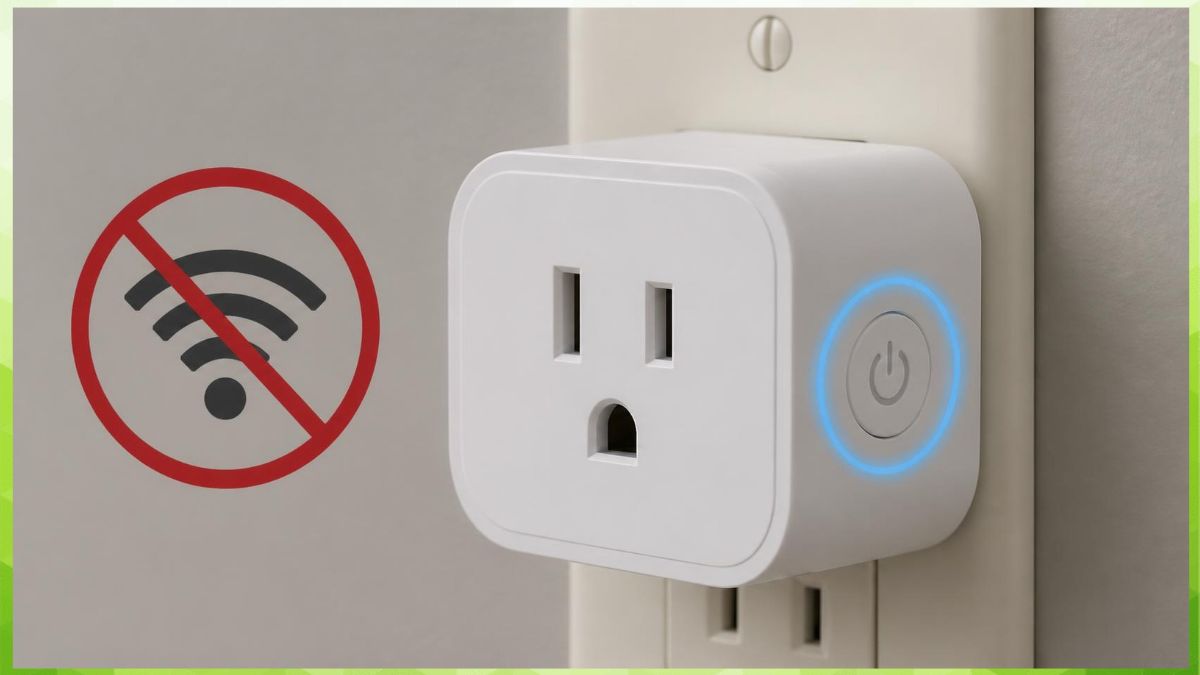
Most smart plugs need Wi-Fi to be controlled through an app or a voice assistant, but the physical power button on the plug itself still works with no Wi-Fi at all. Bluetooth-only smart plugs can be controlled from a phone at close range without any Wi-Fi network, though they lose remote access once you leave the room. Zigbee and Z-Wave smart plugs skip home Wi-Fi entirely and instead connect through a separate hub, which has its own network requirement. Losing internet access, even with Wi-Fi still running locally, will also break voice assistant control, since Alexa and Google Assistant route commands through cloud servers.
Why This Matters
Wi-Fi outages, router problems, and internet service interruptions happen to nearly every household eventually, and knowing what still works during one of those outages matters if a smart plug is controlling something important, like a space heater, a sump pump, or a security light. Buying a smart plug without understanding its connection type can also lead to disappointment for anyone without reliable home Wi-Fi or anyone trying to automate a device in a garage, shed, or basement with weak signal coverage.
This guide explains what actually happens to a smart plug when Wi-Fi or internet access is unavailable, how that differs across Wi-Fi, Bluetooth, and hub-based plugs, and what still works during an outage. By the end, you will know which type of connection fits your situation and what to check before relying on a smart plug for anything time-sensitive.
Do Smart Plugs Need Wi-Fi to Turn On or Off?
No. The physical button built into nearly every smart plug turns the connected device on or off manually, regardless of whether Wi-Fi is connected or working.
Smart plugs are still standard electrical outlets at their core, with a small computer added for remote control. That physical switch exists specifically as a fallback, so a Wi-Fi outage does not leave you unable to turn off a device plugged into the smart plug. What you lose during an outage is remote control: the app cannot reach the plug, voice commands stop working, and any cloud-based scheduling tied to an online account will not trigger.
This distinction matters most for anyone using a smart plug for something they need reliable manual access to as a backup, such as a lamp or an appliance in daily use.
What still works without Wi-Fi:
- The physical on/off button on the plug itself
- Any device plugged in continuing to draw power normally when the plug is set to “on”
- Some locally stored schedules, depending on the brand and model
What Happens to a Wi-Fi Smart Plug If the Internet Goes Down?
A Wi-Fi smart plug generally loses app and voice assistant control if the internet connection goes down, even if the local Wi-Fi network itself is still running.
Most consumer smart plugs, including popular brands sold for home use, rely on a cloud server to relay commands between your phone’s app and the plug, rather than communicating directly over the local network. This means that even with a fully functional router and local Wi-Fi, no internet connection to the outside world breaks remote control, since the command has nowhere to route through. Voice assistants make this even more noticeable, since Alexa and Google Assistant themselves depend on internet-connected cloud servers to process spoken commands before ever reaching the plug.
Some brands and models offer local control that bypasses the cloud when the phone and plug are on the same local network, but this is not standard across the industry and can change with firmware updates over time. If reliable offline control matters to you, checking a specific model’s documentation for local or LAN-only control, rather than assuming, is worth the extra step.
Key points on internet-dependent control:
- Cloud-based plugs need internet, not just local Wi-Fi, to respond to the app
- Voice assistants require their own internet connection to process commands
- Local control, when available, is brand and model specific
- Scheduling stored in the cloud will not trigger during an internet outage unless the schedule is saved locally on the device
Can a Smart Plug Work With Only Bluetooth and No Wi-Fi?
Yes, Bluetooth-only smart plugs can be controlled from a phone without any Wi-Fi network, but only within Bluetooth’s short range, typically around 30 feet indoors.
These plugs skip Wi-Fi entirely and pair directly with a smartphone’s Bluetooth radio, which makes them a reasonable option for anyone without a reliable Wi-Fi network or anyone who only wants to control a device from within the same room. The tradeoff is that control disappears once you leave Bluetooth range, and features like voice assistant integration or control from outside the home are usually unavailable on Bluetooth-only models. Some Wi-Fi plugs also include Bluetooth, but only use it for the initial setup process rather than ongoing control, so it is worth checking whether a specific plug’s Bluetooth function is a full control method or just a setup step.
Where Bluetooth-only plugs make sense:
- Homes or rooms without reliable Wi-Fi coverage
- Controlling a device only from within the same room
- Situations where remote access from outside the home is not needed
- Simpler setups that do not require an account or cloud connection
Do Zigbee and Z-Wave Smart Plugs Need Home Wi-Fi?
No. Zigbee and Z-Wave smart plugs do not connect to your home Wi-Fi network at all; instead, they communicate with a separate hub over their own wireless protocol.
The hub, not the individual plug, is what connects to your home network and, in most cases, to the internet for remote and voice control. This setup has an advantage during a Wi-Fi router restart or brief outage, since Zigbee and Z-Wave signals between the hub and the plug continue working independently of your Wi-Fi network’s status, as long as the hub itself has power. Remote access from outside the home, however, still typically requires the hub to reach the internet, so a full internet outage affects these plugs in a similar way to Wi-Fi-based ones.
This approach adds an upfront cost, since a hub is required before any Zigbee or Z-Wave plug can function, but it often results in more reliable local performance since these protocols were designed specifically for smart home devices rather than general internet traffic.
What Mistakes Do People Make When Choosing a Smart Plug’s Connection Type?
The most common mistakes are assuming Bluetooth is a backup for Wi-Fi control, not checking whether “local control” is actually supported, and buying a hub-based plug without already owning a compatible hub.
Some buyers assume that a plug listing both Wi-Fi and Bluetooth means Bluetooth works as a full backup if Wi-Fi fails, when in many models Bluetooth is only used during initial setup and does nothing afterward. Checking the product’s specific listed features, rather than assuming based on the presence of a Bluetooth radio, avoids this confusion.
A second mistake is assuming any smart plug works locally without internet just because it is on the same Wi-Fi network as the phone controlling it. As covered above, this depends heavily on the brand and even the specific firmware version, and it can change after a software update without notice. Finally, buying a Zigbee or Z-Wave plug without already owning a compatible hub adds unexpected cost and complexity, since these plugs cannot function as standalone devices the way Wi-Fi or Bluetooth plugs can.
FAQ
If the plug was already set to “on” before the outage, yes, since it functions as a normal outlet regardless of Wi-Fi status. You can also press the physical button on the plug to manually turn it on or off during the outage.
They stop responding to app and voice commands in most cases, but the physical button and any locally stored schedule, if the model supports one, generally still function.
Most Wi-Fi based smart plugs require an internet connection during initial setup to link the device to your account, even if you plan to rely on local control afterward. Bluetooth-only plugs typically do not require this step.
It depends on your needs. Bluetooth avoids any dependence on your home network but only works at close range, while Wi-Fi enables remote access from anywhere but depends on both your local network and, in most cases, an internet connection.
No, Zigbee plugs connect to a hub over the Zigbee protocol, not to your Wi-Fi network directly. The hub itself connects to your home network and typically to the internet for remote access.
This usually means the plug has lost its connection to the manufacturer’s cloud server, either from an internet outage or a problem with the plug’s own Wi-Fi connection, rather than a general Wi-Fi network failure on your end.
Some smart plugs work on guest networks, but many require the same network as the controlling phone, and guest networks sometimes block the device-to-device communication smart plugs rely on. Check your router’s guest network settings if you run into connection issues.
Generally no. Most smart plugs retain their saved Wi-Fi credentials through a power outage and reconnect automatically once power and the network are both restored.
Final words
A smart plug’s physical on/off button works with no Wi-Fi at all, but remote app control, voice assistant commands, and most cloud-based scheduling depend on both a working Wi-Fi connection and, in most cases, active internet access. Bluetooth-only and hub-based Zigbee or Z-Wave plugs offer different tradeoffs, trading remote range for reduced dependence on your home Wi-Fi network.
If reliable offline control matters for your use case, check a specific model’s documentation for local or LAN-based control before buying, rather than assuming any smart plug will keep working during an outage. For anything safety-related, like a space heater or sump pump, treat the physical button as your dependable fallback rather than the app.
Learn more about the difference between smart plugs and smart switches →